

Transforming a treasured photo into a crisp, print-ready coloring page is equal parts creative fun and magical surprise. At Coloring Page Magic, we’ve seen families, teachers, and artists turn everyday memories into interactive art that delights kids and adults alike. If you want to ensure bold outlines, balanced detail, and a final result that’s as enjoyable to color as it is meaningful to you, these nine pro tips—developed from countless photos uploaded by our users—will set you up for success.
Why Turn Photos into Coloring Pages?
There’s something unforgettable about coloring a picture that started as your own memory—a giggle-filled family picnic, your child’s proud pet moment, or a peaceful landscape from your last vacation. Beyond sparking creativity and connection, making a coloring page from a personal photo gives you the power to immortalize moments while also creating a screen-free, hands-on activity. At Coloring Page Magic, the process is quick and privacy-friendly: photos never leave your hands permanently, and you can start for free.
9 Pro Tips for Crisp Outlines and Print-Ready Coloring Pages
1. Start with a High-Contrast, Simple Scene
Photos with lots of clear distinction between subject and background give the AI an easier time. Think a puppy on a light sofa, or your child laughing against a bright blue sky. Busy or cluttered scenes can muddy the outlines, so if you can, avoid backgrounds with lots of furniture, patterned fabrics, or crowds of people. For portraits, a single-color or softly blurred background works especially well.
2. Make Sure Your Subject Is Well-Lit and In Focus
Photos taken in natural daylight, where the primary subject is in sharp focus, are ideal. Blurry, shadowy, or dimly lit images often yield fuzzy outlines, which can be frustrating for colorists—especially younger kids who rely on clear boundaries to stay inside the lines. If you only have a low-light photo, consider brightening it up or increasing the contrast slightly in your device’s photo editor before uploading.
3. Crop and Frame for Impact
Before you upload, use your photo app to crop tightly around the subject you want to appear on the coloring page. Filling 80% of the frame with your main focus ensures the page won’t have a lot of empty space and that the most important details are preserved. Reframe so faces, pets, or key elements are centered. On Coloring Page Magic, you can always reposition or zoom a little during upload, but starting with a strong crop puts you ahead.
4. Choose a Difficulty Level That Matches Your Colorist
At Coloring Page Magic, you can choose from four detail levels: Easy, Medium, Hard, and Expert. For little kids, our Easy setting offers bold, simplified outlines and fewer fiddly details—perfect for early motor skills. Older kids and adults generally prefer Medium or Hard for more intricate patterns and finer textures. Try generating two or three versions if you’re unsure; it’s instant, and you can compare what works best for the person who’ll be coloring.
5. Experiment with Style for Custom Outlines
We offer different style settings such as Cartoon, Realistic, Anime, and Abstract. Cartoon is fantastic for making pets and people pop with smooth, thick lines. Realistic preserves detail for adult colorists who appreciate more complexity. Anime is popular with teens and can give family portraits a whimsical sparkle. Don’t be afraid to try the same photo in multiple styles—there’s magic in discovering which direction truly brings your moment to life.
6. Use High-Resolution Originals (1080p+ Recommended)
Upload the highest-quality version of your image you have (at least 1080 pixels on the long side). Higher resolution leads to cleaner, sharper outlines, especially when printing your pages. Avoid screenshots or compressed images when possible, as these can look pixelated or fuzzy after conversion. All downloads from Coloring Page Magic are sized for standard printers and high DPI, so your efforts on the front end will reward you every time.
7. Avoid Low-Contrast or Overly Complex Subjects
If your photo is mostly one color (for example, a brown dog in front of a wood fence), there’s less separation for the AI to detect strong lines. Try picking photos where color or value differences make elements stand out—for instance, light clothing against a darker room. When in doubt, picturing your image in black-and-white first helps. Simplify busy scenes by cropping or choosing a tighter focus—as this helps avoid tangled, unreadable outlines after conversion.
8. Test Family, Pets, and Activities for Maximum Fun
Some of the best-loved custom coloring pages start with candid family photos, joyful kids, expressive pets, or even a basket of favorite snacks. These subjects have distinct, expressive outlines and engage almost any colorist. For inspiration, browse the Animals or Holidays categories in our free collection. Trying a few playful options—like a silly selfie or holiday gathering—can lead to delightful surprises and inside jokes in art form.
9. Print a Test Page, Iterate, and Don’t Be Afraid to Tweak
Once your page is generated (usually in under 30 seconds), download and do a test print. Use standard printer paper, scaling at 100%, and take a close look at the outlines—too thick, too thin, or too complex? If needed, regenerate with a different difficulty or style. With free unlimited uploads and instant results, there’s no reason not to iterate until you find your absolute favorite version. Save the best ones to your dashboard and keep your own digital coloring journal for future reference. For more on maintaining your coloring practice, check out our Coloring Pages Journal.
Smart File Handling and Privacy Considerations
Your privacy matters to us. When you upload photos to Coloring Page Magic, each image is processed securely, never stored or shared, and you retain complete control. You can delete uploads from your dashboard, and if a page doesn’t meet your expectations, just reach out to support for up to two additional free options. Our tools handle JPG, PNG, HEIC, and WEBP formats (up to 10MB), making it easy to use print-ready files in PNG or PDF for both personal and educational use. Free accounts are for non-commercial coloring fun, while paid users enjoy commercial rights.
What Makes Coloring Page Magic’s Results Print-Ready?
We’re parents and creatives ourselves, so we’ve built our AI to generate smooth, bold outlines optimized for in-home printing. Downloads come sized for US Letter (8.5x11 inches) and at 300 DPI, making them ideal for crayons, markers, or colored pencils. Difficulty selection ensures that kids as young as three can participate—or adults can challenge themselves with detailed textures. Every photo becomes a unique coloring page, matched to your chosen style and subject.
Enhance Your Collection with Free Printable Pages
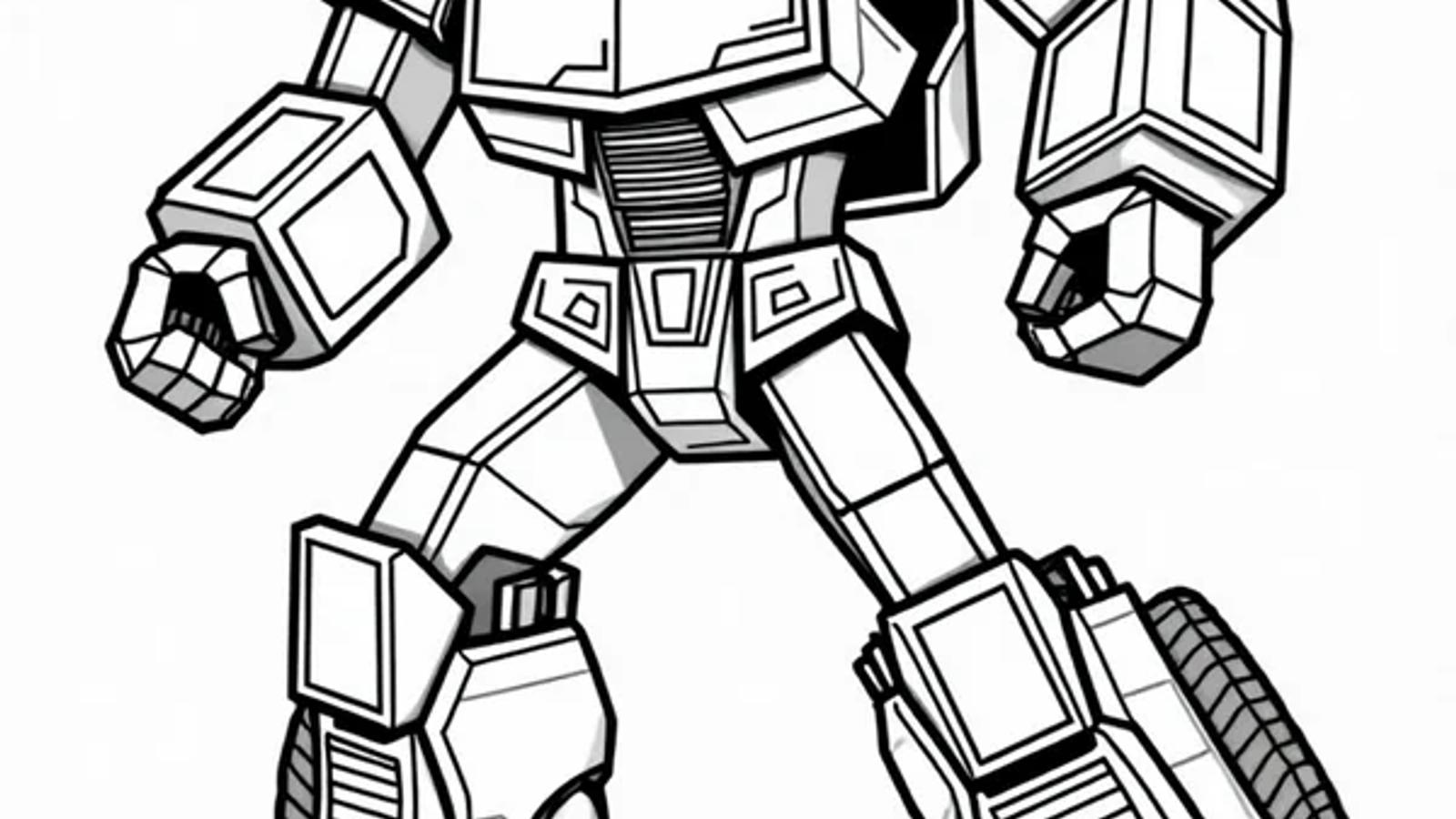
Mix and match your custom photo coloring pages with our directory of 1,000's of free printable coloring sheets. Whether your child is obsessed with vehicles, holidays, animals, or superheroes, there’s always something new to explore. For fans of robots and action-packed adventures, don’t miss our Autobots Transforming Into Vehicles Coloring Page—it’s a user favorite and a great example of bold outlines in action. If you want to add a scene from your own life, simply upload a photo and let the AI work its magic.
Extra Tips for Even Better Results
- Use surface textures: If your first attempt has too many fine or fuzzy lines (such as grass or hair), try reducing detail by cropping closer or choosing an easier difficulty.
- Go grayscale for complex scenes: Running your photo through a black-and-white filter before uploading occasionally sharpens key features against busy backgrounds.
- Mind the edges: Avoid cut-off heads, paws, or important objects at the edges of your frame. A little breathing room around your subject helps!
- Print on quality paper for keepsakes: Don’t hesitate to use heavy, smooth printer paper or light cardstock for pages you want to keep as memories.
Inspiration and Community
Seeing your photos turned into coloring pages isn’t just fun for you—it inspires those around you, too. Many of our users share stories of rainy-day activities that suddenly became family traditions, or a child who won’t stop showing off a colored page featuring their own pet. If you’d like more ideas or techniques for getting the best out of every page, check out our guides:
- Therapeutic Coloring Techniques: A Beginners Guide
- Tips and Tricks for Coloring Anime Coloring Pages
- Complete Beginners Guide to Color Theory for Coloring
Ready to Make Your Own Magic?
Creating a coloring page from your own photo is one of the most rewarding ways to combine personal memories with creative expression. As you use these tips, remember: brighter, bolder, and simpler usually leads to the best outlines, but there’s always room for trial and error—every photo has hidden artistic potential. Try your first photo conversion for free at Coloring Page Magic’s Photo to Coloring Page tool and see just how much fun family creativity can be, one print-ready page at a time.
Whether you’re collecting memories, prepping for a birthday party, or just giving your child a burst of creative confidence, we invite you to explore, experiment, and make magic with us. For more inspiration, free pages, and advanced tips, browse our growing collection and join our global coloring community at Coloring Page Magic.